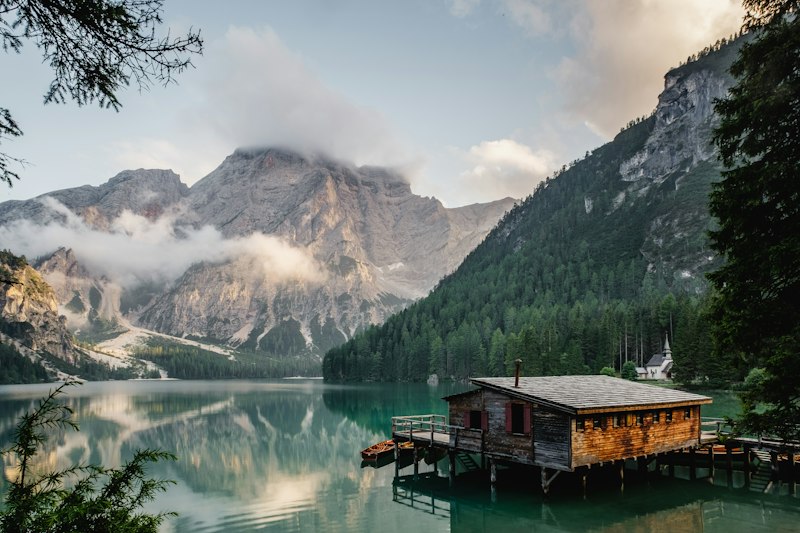
Golden Hour
Golden Hour warms your photo with soft sunset light, a gentle glow, and slightly lifted shadows, without changing the content of the image.
How to use it
- Open the studio and switch to Edit.
- Upload the photo you want to transform.
- Select the Golden Hour filter.
- Adjust the strength slider, then apply and download.
Tips for the best results
- Works best on photos shot in flat or cool light that need warmth.
- Lower the strength for a subtle lift, raise it for a strong sunset mood.
- Pairs well with portraits and travel landscapes.
Great for
- Portraits and lifestyle photos
- Travel and landscape shots
- Feeds that need a warm, cohesive look