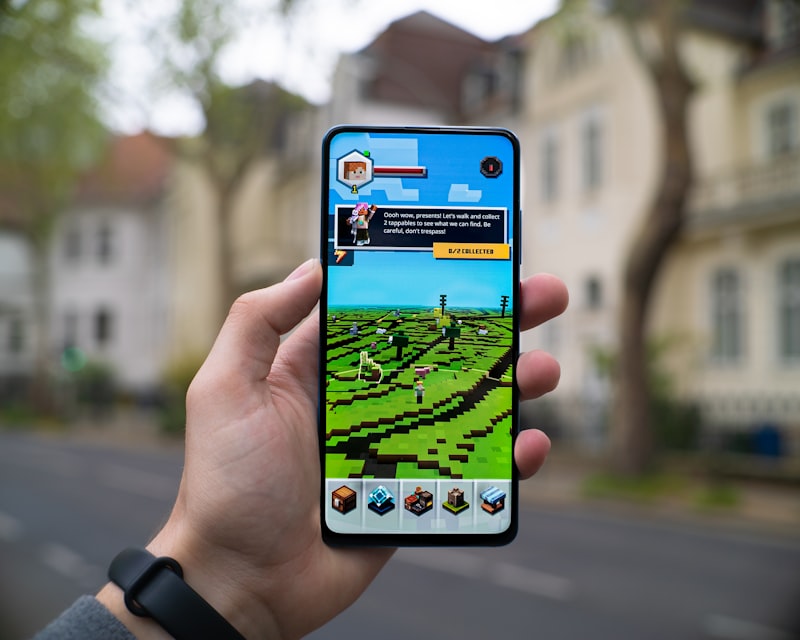
Minecraft World
Minecraft World keeps you and your friends perfectly real while rebuilding everything behind you out of Minecraft blocks, from voxel trees to a square sun.
How to use it
- Open the studio and switch to Edit.
- Upload the photo you want to transform.
- Select the Minecraft World filter.
- Adjust the strength slider, then apply and download.
Tips for the best results
- Photos where people are clearly separated from the background composite best.
- Mention a biome in your prompt, like snowy tundra, desert, or the Nether, to change the world.
- Ask for floating gamer-tag name labels above each person for the full viral look.
Great for
- Viral posts on TikTok, Instagram, and X
- Gaming content, thumbnails, and Discord avatars
- Group photos with friends or teammates