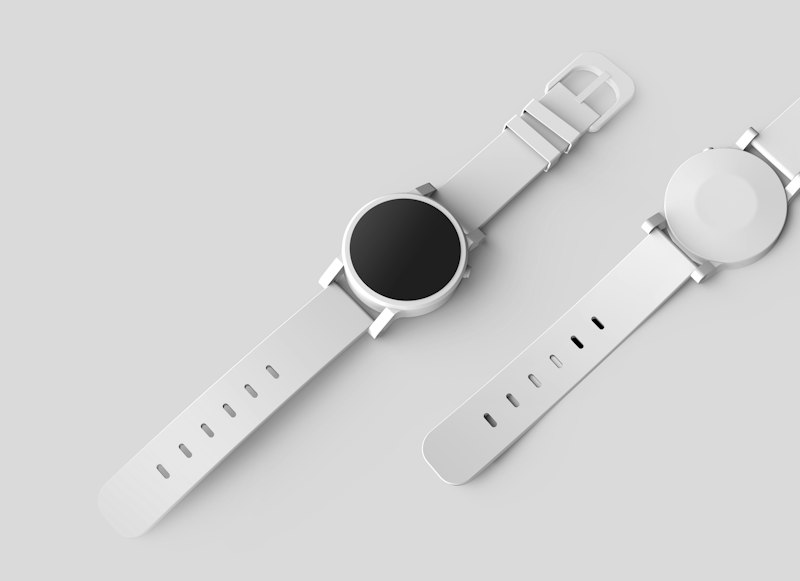
Studio Product Shot
Studio Product Shot turns a plain description into a clean, marketplace-ready product image with a seamless white background and soft studio lighting, no lightbox or camera required.
How to use it
- Open the studio.
- Select the Studio Product Shot preset.
- Describe your subject in the prompt box.
- Generate, then download or refine the result.
Tips for the best results
- Name the material and finish, such as matte, glossy, or brushed metal, so the lighting reads correctly.
- Mention the camera angle you want, like top-down flat lay or three-quarter hero view.
- Keep the subject to a single product for the cleanest commercial look.
Great for
- Amazon, Shopify, and Etsy listing images
- Quick concept mockups before a real photoshoot
- Consistent catalog photography across many products