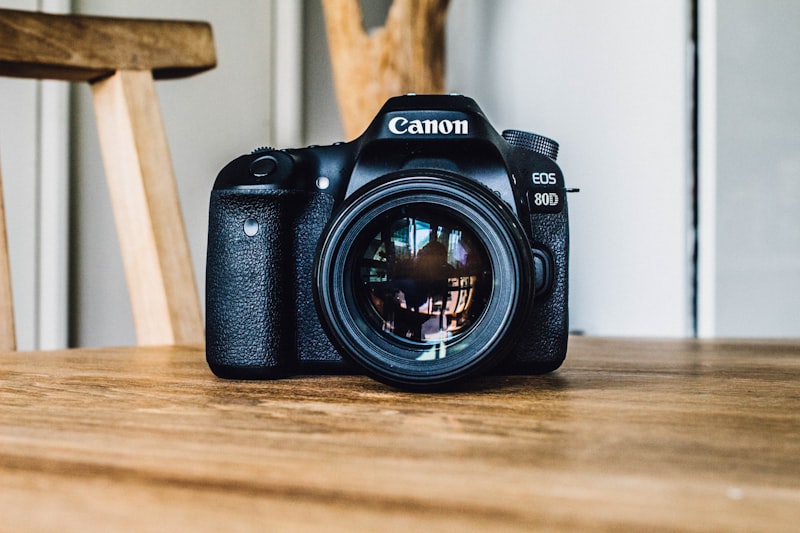
Vintage Film
Vintage Film gives your photo a faded analog look with subtle grain, soft contrast, and warm highlights for a nostalgic, retro feel.
How to use it
- Open the studio and switch to Edit.
- Upload the photo you want to transform.
- Select the Vintage Film filter.
- Adjust the strength slider, then apply and download.
Tips for the best results
- Increase the strength slider for a heavier, grainier analog feel.
- Great for creating a cohesive retro look across a whole set of photos.
- Try it on both color and black and white source images.
Great for
- Retro and nostalgic social feeds
- Event and travel galleries
- Mood boards and lookbooks