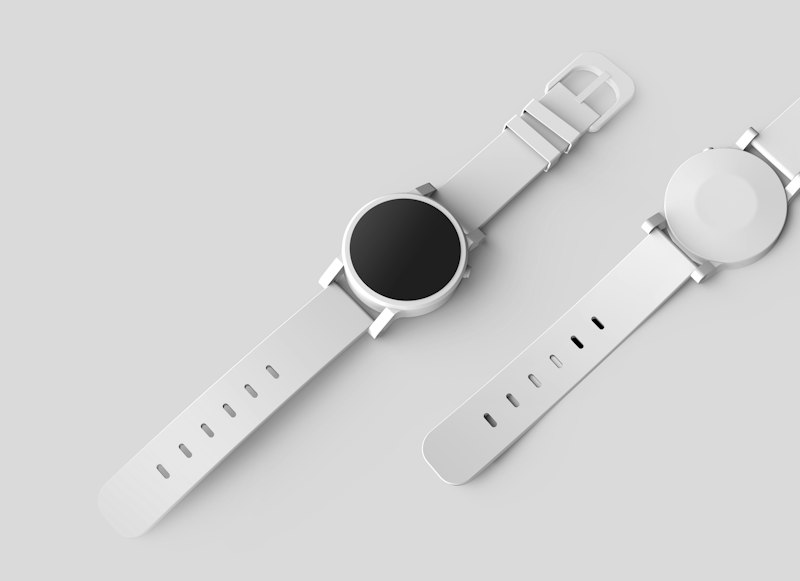
Studio-quality product shots, no studio needed
This reel shows how to get a clean, marketplace-ready product image from a short description.
The workflow
- Open the studio and select the Studio Product Shot preset.
- Describe the product, its material, and the camera angle.
- Generate, then download the seamless white-background result.
When to edit instead of generate
If you need your exact product, use Edit mode and upload a photo so the real item is preserved while the background and lighting are cleaned up.

